

At a glance
- Prepare and test Embedded Signup, then record a demo of onboarding and messaging.
- Complete business verification and the app settings Meta requires.
- Submit your app for review with permission explanations, data handling answers, and reviewer instructions.
Configure embedded signup first
Before applying, configure your app and Kapso setup links:- Create a Meta app.
- Configure customer setup links with your own Meta app.
- Test setup with a customer or test business.
- Send a message through the connected number.
- Record a short demo of the setup and messaging flow.
Submit Meta app review
In the Meta app dashboard, submit for advanced access.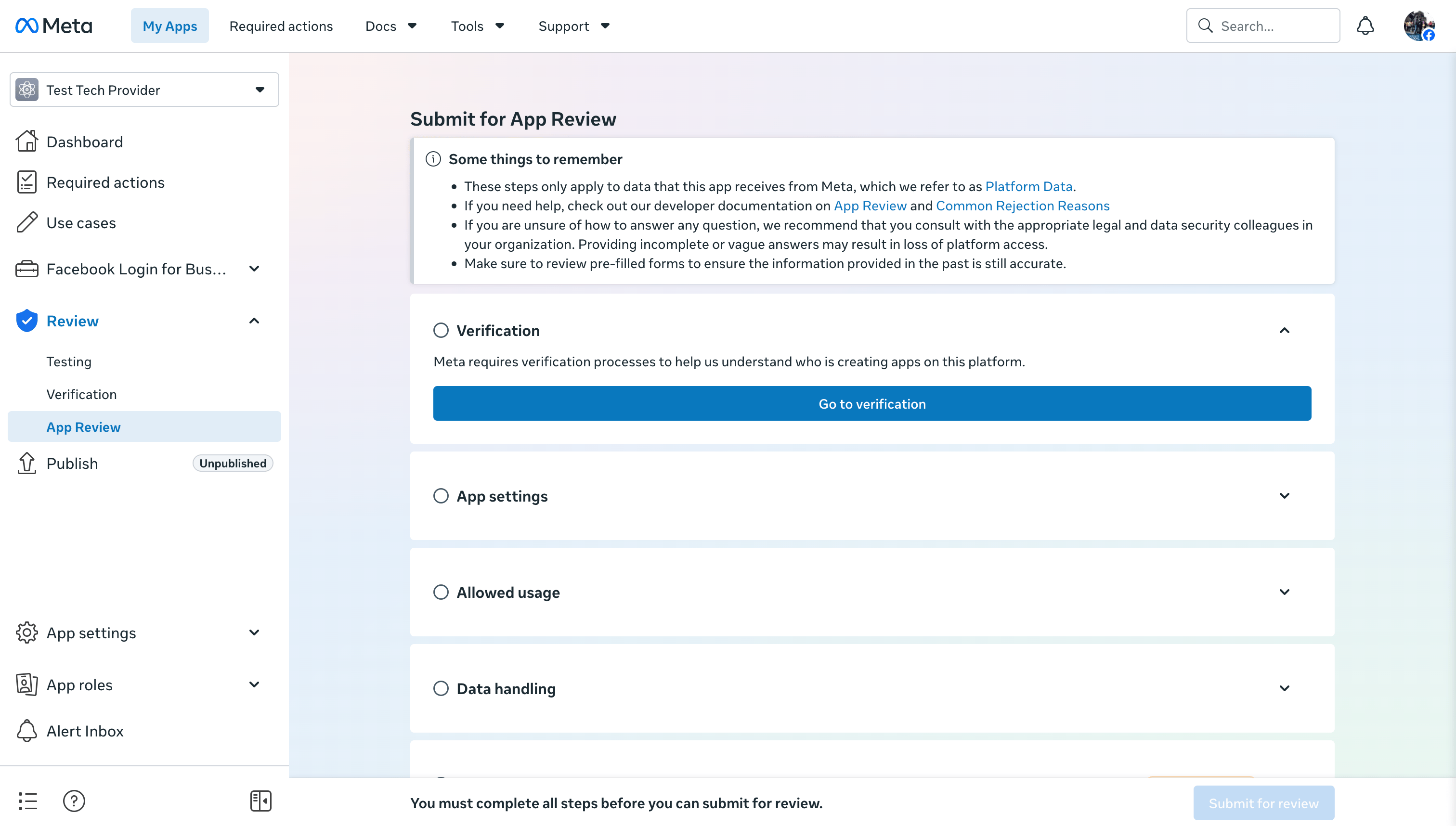
Verification
Start business verification from the App Review checklist or from Business Settings > Security Center.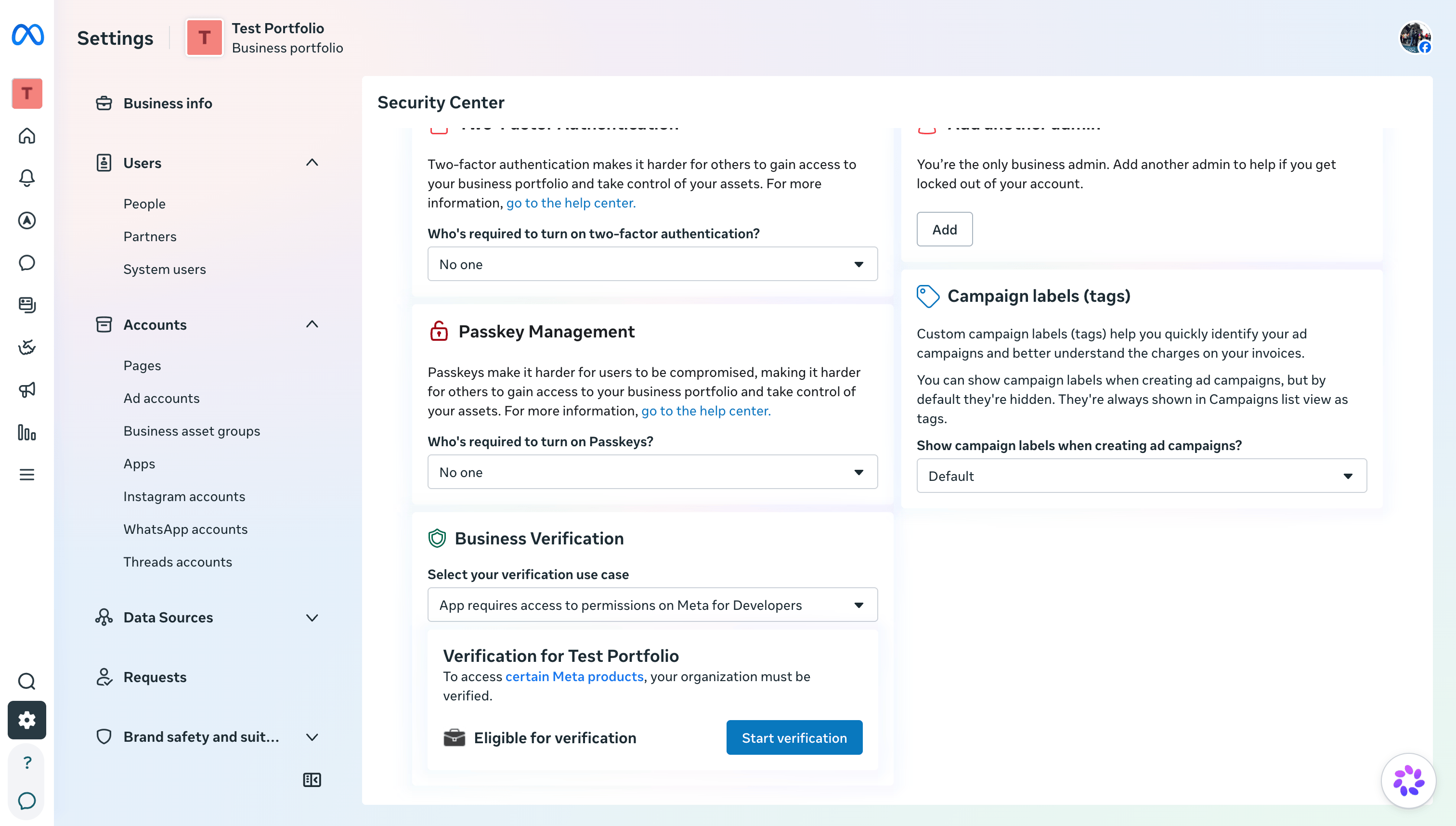
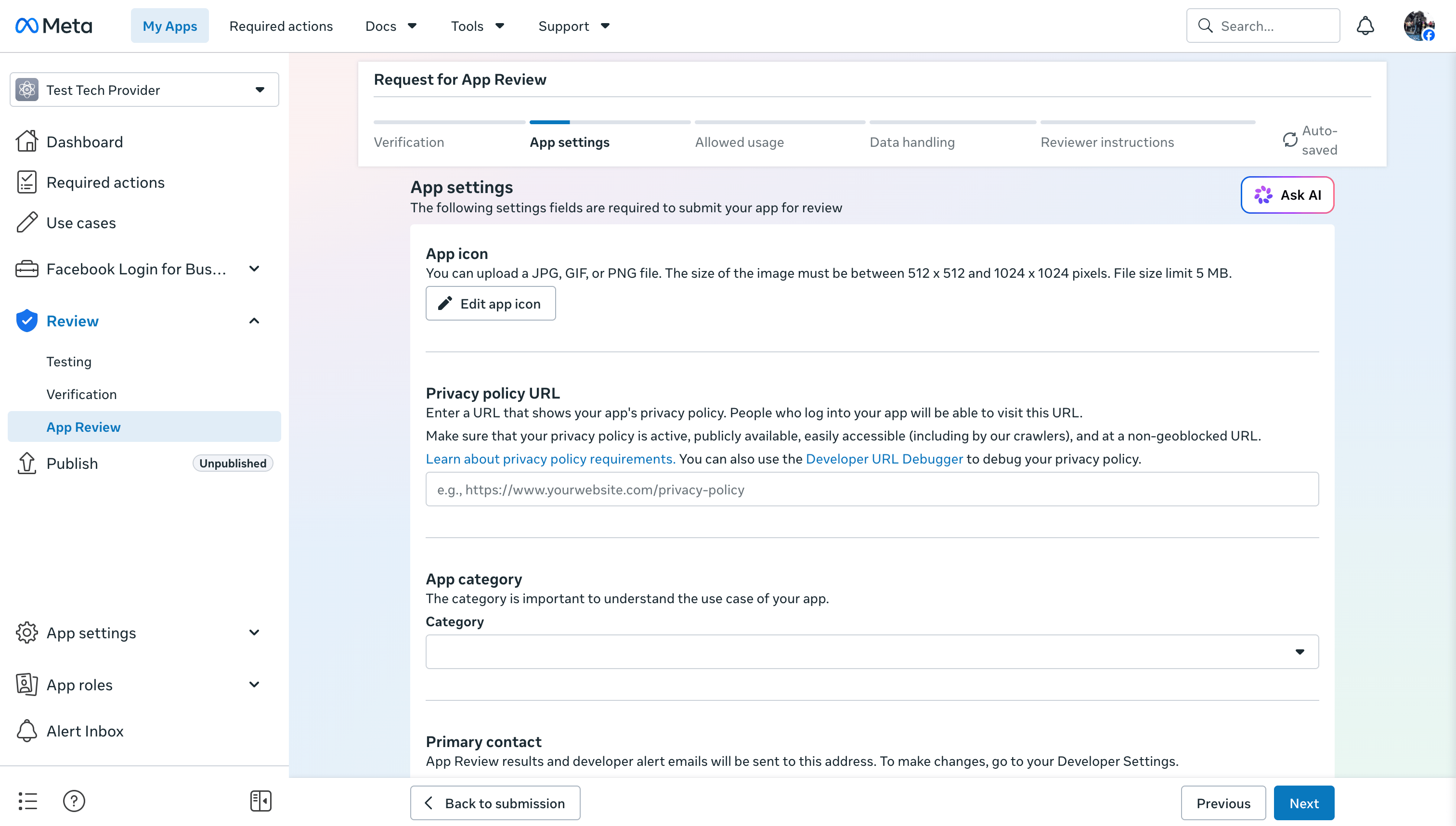
App settings
Complete the app settings Meta requires for review:- app icon
- privacy policy URL
- app category
- primary contact
Allowed usage
Meta asks how the app uses each requested permission or feature.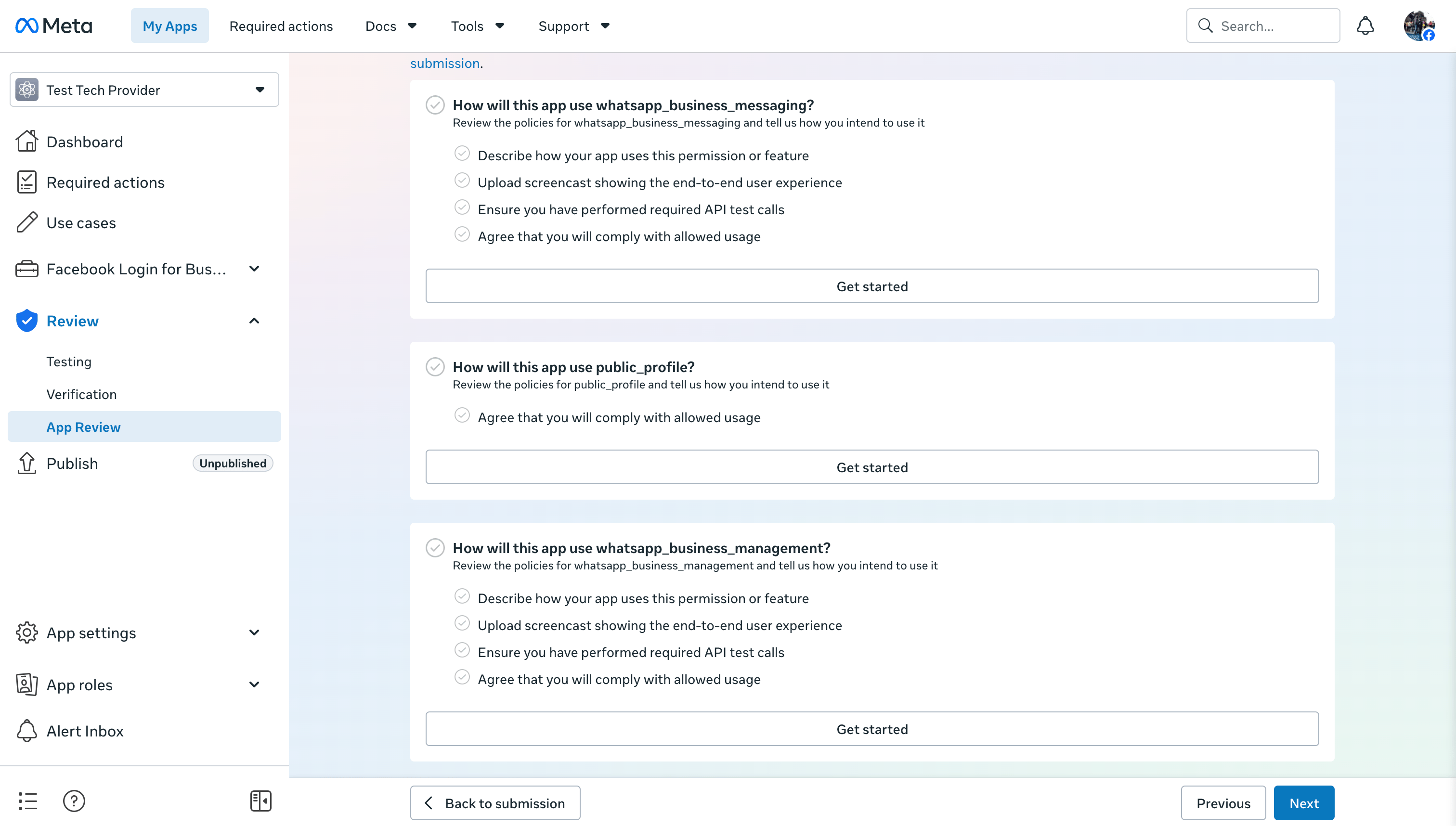
whatsapp_business_management, explain that your product onboards business customers through embedded signup and manages their WhatsApp assets, such as phone numbers, templates, WABA setup, and webhook subscriptions.
For whatsapp_business_messaging, explain how your product sends WhatsApp messages for onboarded customers. Include a video showing:
- a customer or test customer connected to your product
- a WhatsApp message sent from your product
- the message received in WhatsApp
public_profile, explain that it is used as part of Facebook Login for Business during embedded signup.
Meta can also ask you to confirm required API test calls and agree to the allowed usage terms for each permission.
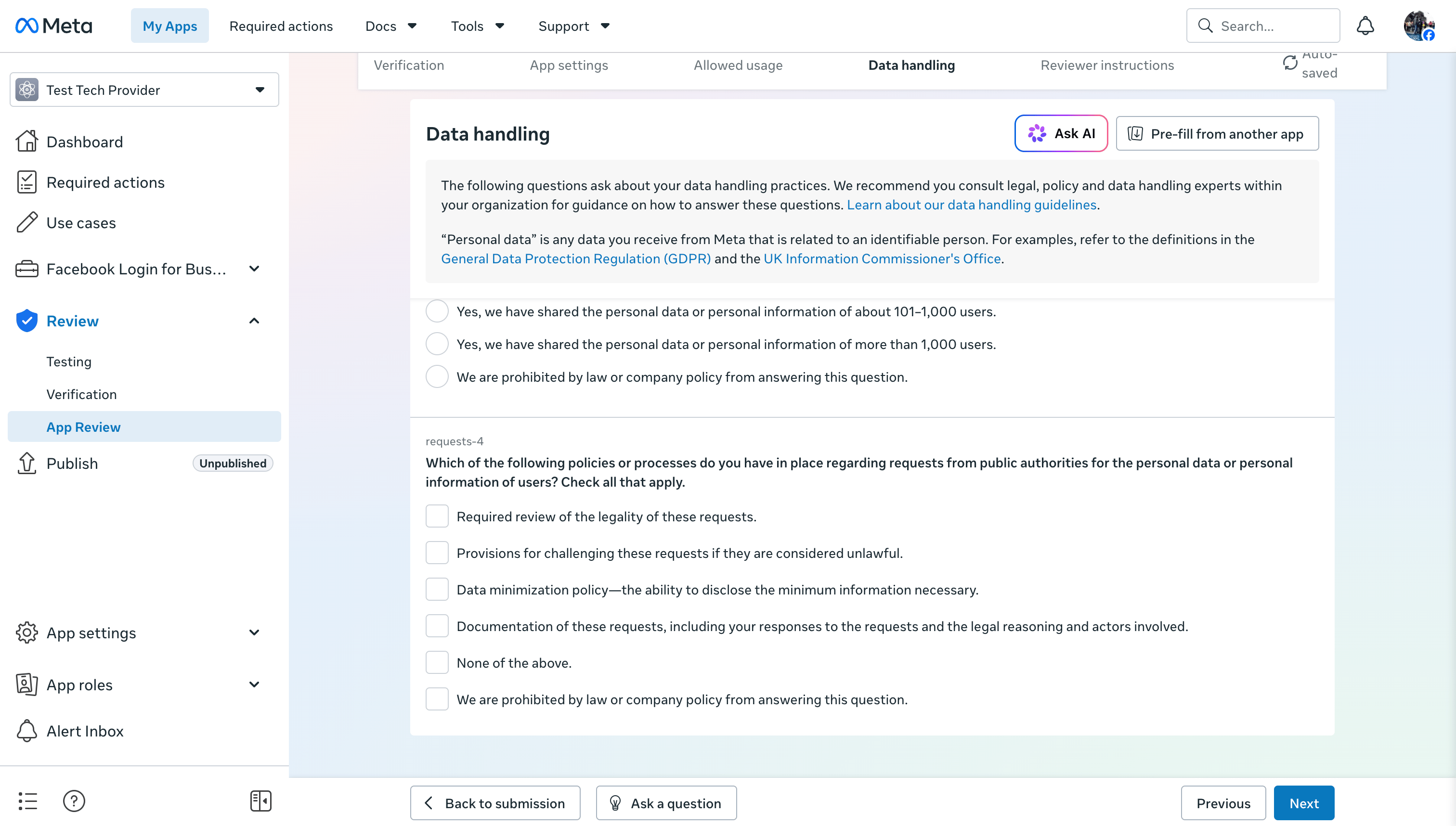
Data handling
Answer the data handling questions for the entity responsible for the app.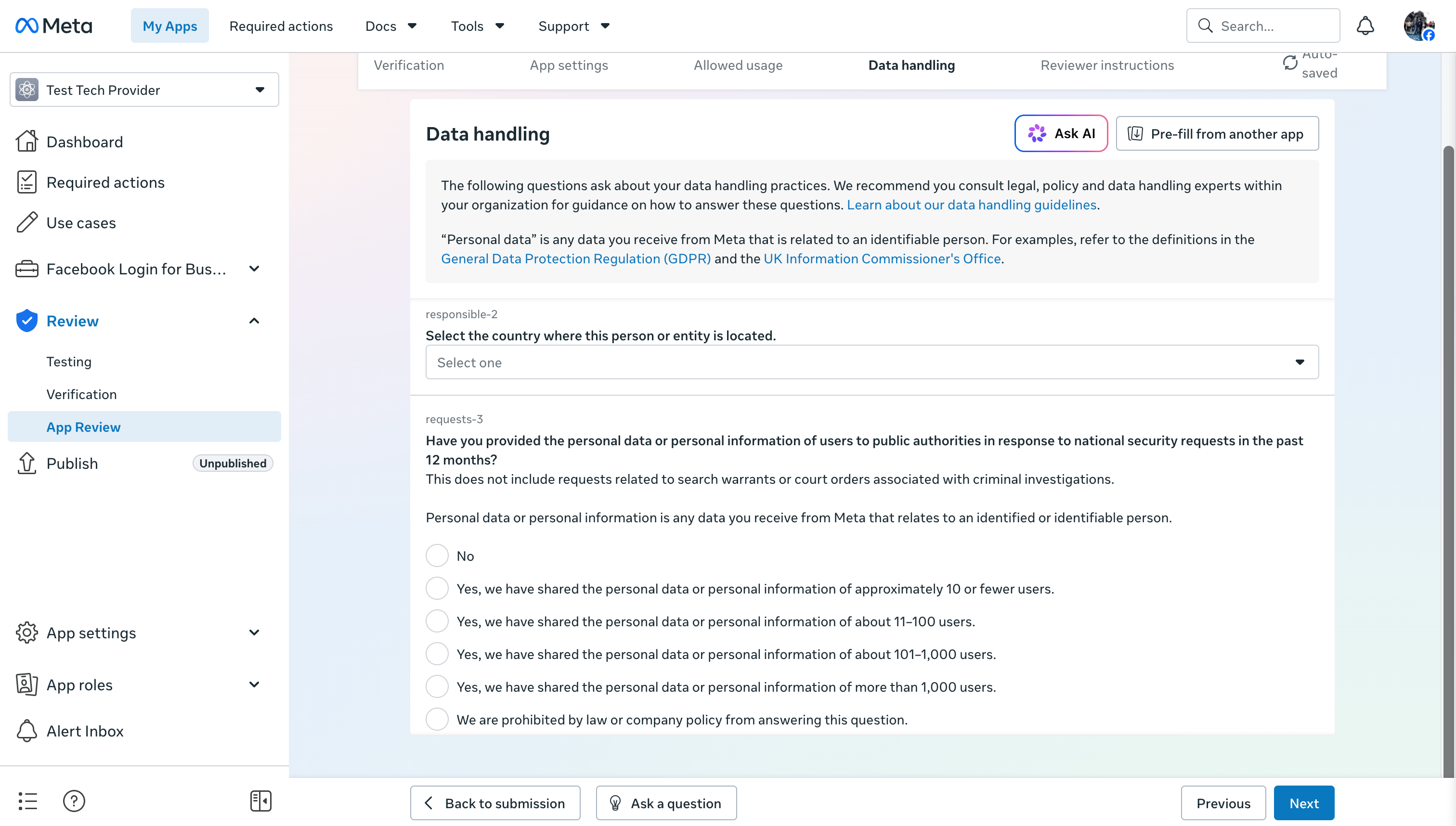
Reviewer instructions and service providers
Use reviewer instructions to make the review easy to reproduce. Include:- a test account or test customer
- the exact setup link or product path the reviewer should use
- steps to complete embedded signup
- steps to send or trigger a WhatsApp message
- where the reviewer should see the connected
phone_number_idor resulting message - a screencast that shows the end-to-end flow